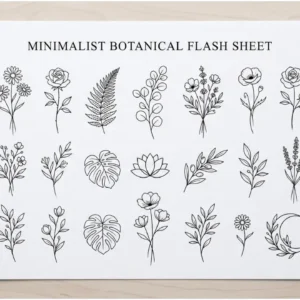
You don’t need to be a skilled artist to make a tattoo stencil outline from your favorite image. With the right tools and a bit of guidance, you can get professional-looking results at home.
Did you know thousands of people worldwide are making their own tattoo designs? They use digital tools to transform any image into a precise stencil. To start, you’ll need a high-quality photo, graphic design software, a printer, and transfer paper.
Having the right materials is just the start. Our step-by-step guide will show you how to create a tattoo stencil outline. This way, you can get the tattoo you’ve always wanted.
Key Takeaways
- Create a tattoo stencil outline with graphic design software
- Use a high-quality photo and transfer paper for the best results
- Follow a step-by-step guide to achieve professional-looking results
- Customize your tattoo design with ease using digital tools
- Achieve precise stencils with the right software and printer
What Is a Tattoo Stencil Outline and Why Does It Matter
Tattoo stencil outlines are like blueprints for tattoo artists. They help create detailed designs on the skin. These templates outline the design to be tattooed, acting as a bridge between the original image and the final tattoo.
Experts say a well-made stencil outline is key to a great tattoo. “A good stencil is the foundation upon which the entire tattoo is built,” says a famous tattoo artist.
“It’s the foundation upon which the entire tattoo is built.”

The Purpose of Stencil Outlines in Tattooing
The main goal of a stencil outline is to guide the tattoo artist. It ensures the design is applied correctly and consistently. This is particularly crucial for tattoos, where even small mistakes can be difficult to correct.
Using a tattoo design stencil generator makes creating stencils easier. It helps artists focus on the creative parts of their work. These tools turn images into precise stencils, ready for use.
Benefits of Creating Your Own Stencils
Creating your own tattoo stencils has many advantages. You can customize designs to fit your taste. By converting a picture to a tattoo stencil, you can tailor the design to your needs. This adds flexibility and creativity to the design process.
Having control over stencil creation lets you make changes as needed. This ensures the final tattoo meets your expectations. With the right tools and skills, you can create high-quality stencils for your tattoo.
Essential Tools and Materials for Creating Tattoo Stencils
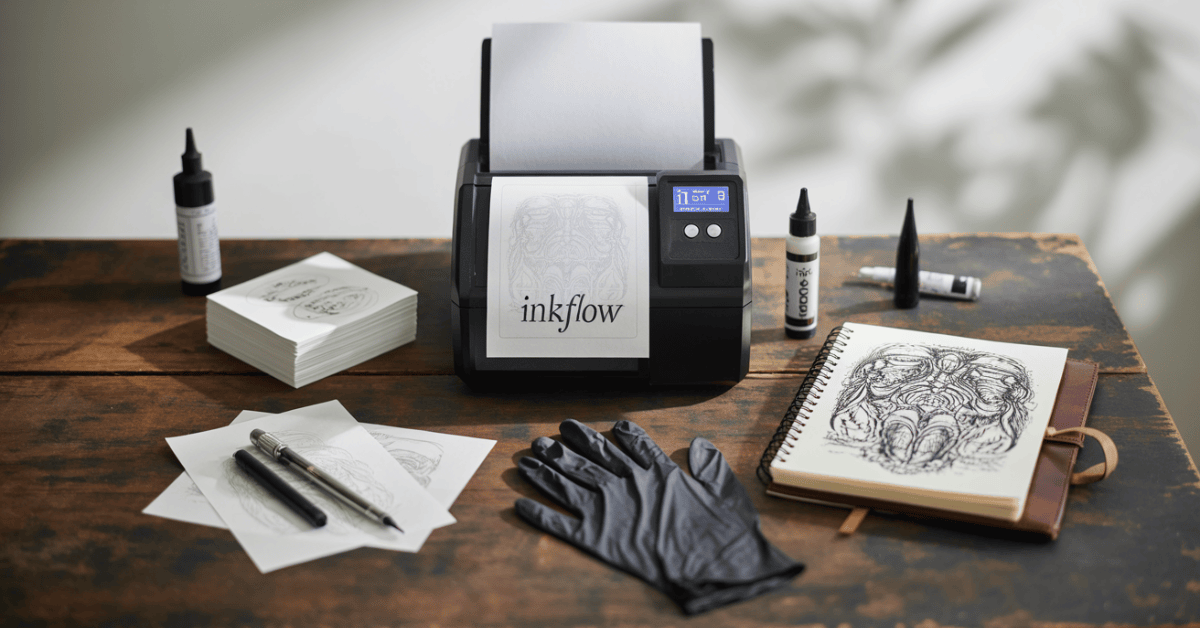
Creating a tattoo stencil outline is key for both tattoo artists and DIY fans. You need the right tools and materials for this task. The process uses both digital and traditional methods, each needing specific tools.
Digital Tools and Software
For digital work, graphic design software like Adobe Photoshop is essential. You can also use free options like GIMP. These tools help you edit your image and make a clear stencil outline.
There is also simple tattoo stencil maker software online. They make creating a stencil easy.
Traditional Tools and Materials
Traditional methods use tracing paper, carbon paper, or freehand drawing. You’ll need good tracing paper, a graphite pencil, and a steady hand. A good eraser and sharpener are also useful.
Stencil Transfer Products
To put your stencil on the skin, you need stencil transfer products. These include stencil film, thermal transfer paper, or hectograph transfer paper. They ensure your design is transferred accurately for tattooing.
Selecting the Right Image for Your Tattoo Stencil
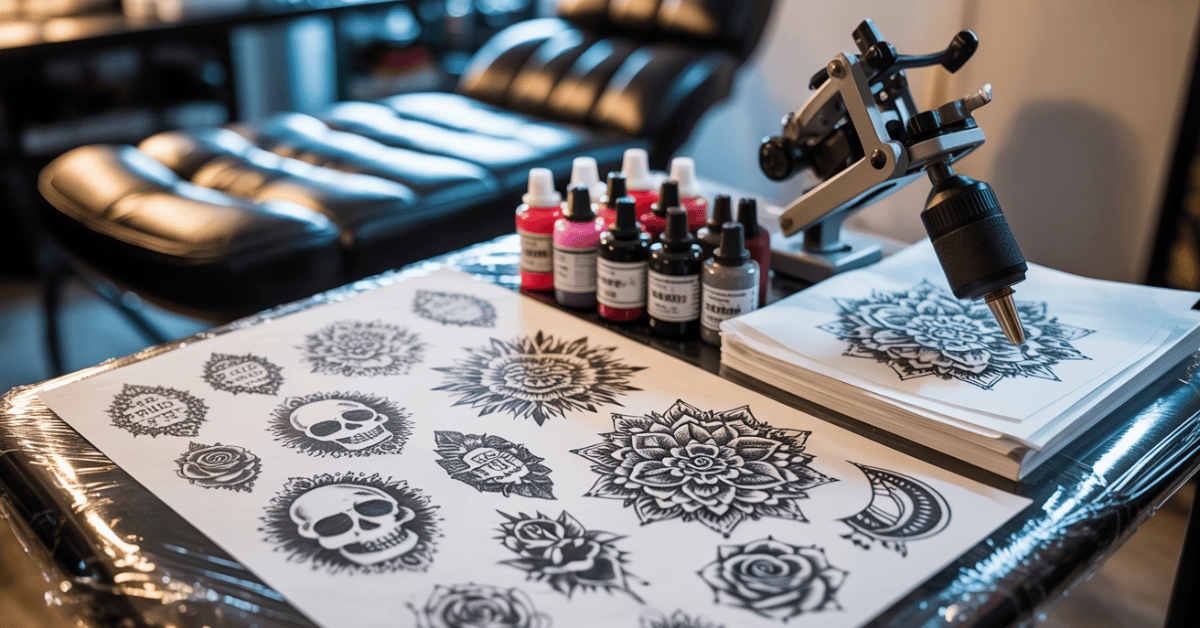
Finding the perfect image is key to a great tattoo stencil. The image you choose will be the base of your tattoo design. It’s important to pick one that is meaningful and can be easily turned into a stencil outline.
Image Quality Requirements
A high-quality image is essential for a clear stencil outline for tattoo design. Look for images with good resolution and clear details. Stay away from images that are too complex or have too much noise. They can be hard to turn into a clean stencil.
Copyright Considerations
Make sure you have the right to use an image before you do. Copyright laws protect many images, and using them without permission can cause legal trouble. Choose royalty-free images or create your own design to avoid any issues.
Design Complexity and Scalability
The design’s complexity and how it scales are important. Simple designs with clear lines work best for tattoo stencils. Think about whether the image will stay clear and detailed when scaled up or down. To create tattoo outline from photo well, the image should be simple yet stand out.
By thinking about these points, you can pick an image for an easy tattoo stencil conversion. This makes the process smoother and the result more satisfying.
Preparing Your Image Before Conversion
To get a top-notch tattoo stencil, start by preparing your image. This step is key to making sure your stencil is clear, precise, and perfect for tattoos.
Cleaning Up the Image
First, clean up your image by removing anything not needed. Use image editing tools to fix blemishes, smooth lines, and boost clarity. This is crucial for a clear tattoo stencil outline that looks great on skin.
Adjusting Contrast and Brightness
Next, tweak the contrast and brightness of your image. This makes the lines and shading pop, helping to see each part of the design clearly. A well-adjusted image leads to a better image-to-stencil converter process.
Simplifying Complex Elements
It’s also important to simplify complex parts of your image. Too much detail can be hard to see on skin, so keep it simple. This ensures your tattoo stencil maker software or method creates a stencil that looks good and works well for tattoos.
| Preparation Step | Purpose | Benefit |
|---|---|---|
| Cleaning Up the Image | Remove unnecessary elements and noise | Clearer stencil outline |
| Adjusting Contrast and Brightness | Define lines and shading | Better distinction between design elements |
| Simplifying Complex Elements | Maintain design integrity while simplifying | Practical and aesthetically pleasing stencil |
By doing these steps, you’re on your way to making a high-quality tattoo stencil. Knowing why to convert an image to a stencil outline is key. It helps with precision and clarity in tattooing.
How to Convert an Image to a Tattoo Stencil Outline Using Digital Methods
Digital tools have changed how we make tattoo stencil outlines from images. Now, artists can use software and apps to turn designs into stencils easily.
Adobe Photoshop is a top choice for this task. It has many features that make creating stencils simpler.

Using Photoshop for Stencil Creation
Photoshop helps artists tweak image settings like contrast and brightness. This makes it easier to get a clear stencil outline. Artists can also use layers and filters to fine-tune their designs.
Using Free Alternatives like GIMP
If you can’t use Photoshop, GIMP is a great free option. It has similar features, including layers and filters. This makes it perfect for creating tattoo stencils.
Mobile Apps for On-the-Go Stencil Creation
Mobile apps let artists make stencils anywhere. Apps like Tattoo Designer and Stencil Maker have tools for adjusting images and creating outlines.
| Tool | Features | Cost |
|---|---|---|
| Adobe Photoshop | Advanced image editing, layers, filters | Subscription-based |
| GIMP | Layers, filters, free | Free |
| Tattoo Designer (Mobile App) | Image adjustment, outline generation | Varies (Free/Paid) |
Step-by-Step Traditional Methods for Creating Stencil Outlines
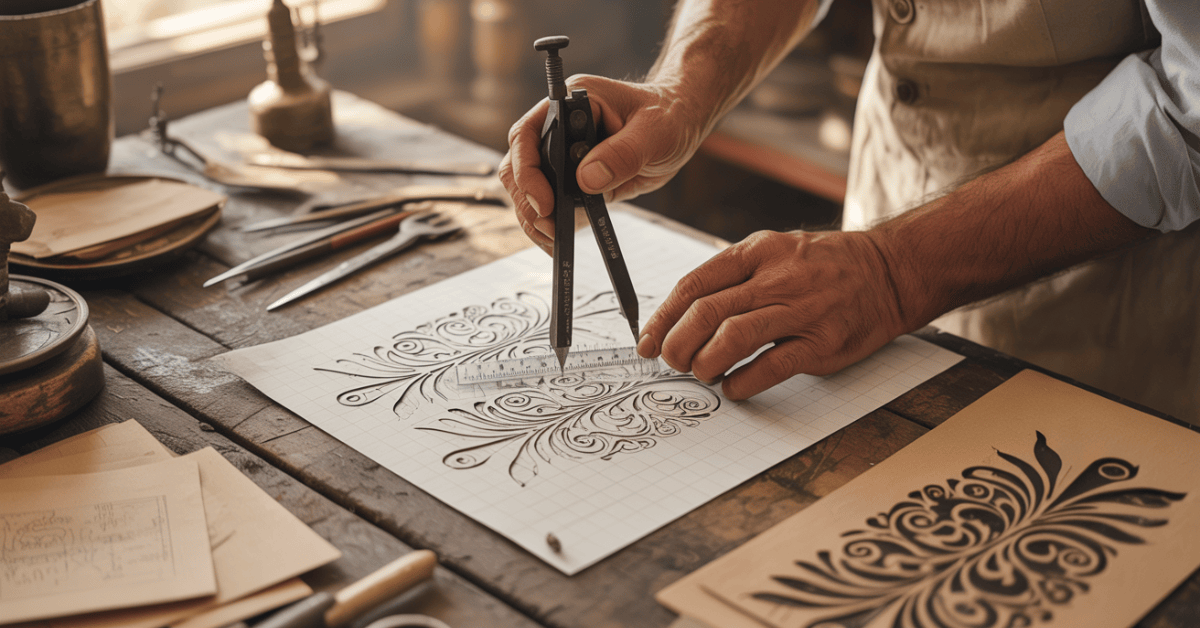
Traditional methods for making tattoo stencil outlines are hands-on and rewarding. They let artists connect deeply with their art. Using real materials, they bring their designs to life.
Tracing Paper Method
The tracing paper method is simple yet effective. Start by placing tracing paper over your reference image. Then, use a pencil or fine-tip pen to trace the design. This method is great for detailed work and can be fine-tuned easily.
Carbon Paper Transfer Technique
The carbon paper transfer technique is another traditional method. Place carbon paper between your reference image and the surface for your stencil. Trace the design on the reference image. The carbon paper transfers the image to the surface below, creating your stencil outline.
Freehand Drawing Method
The freehand drawing method is for those who love spontaneity. Draw the design directly onto the surface with a pencil or pen. It’s all about your artistic skills and can lead to unique designs.
| Method | Description | Skill Level |
|---|---|---|
| Tracing Paper | Tracing the design onto tracing paper | Beginner |
| Carbon Paper Transfer | Transferring the design using carbon paper | Intermediate |
| Freehand Drawing | Drawing the design directly onto the surface | Advanced |
Mastering these traditional methods helps you create detailed tattoo stencil outlines. They are essential for your tattoo work. Whether you’re experienced or new, these techniques open up many creative possibilities.
Transferring Your Stencil to Skin
After making your tattoo stencil, it’s time to put it on the skin. This step is key to making sure your tattoo looks right on the client’s body.
Preparing the Skin Surface
Before you start, the skin needs to be ready. This means cleaning it with soap and water to get rid of dirt or oils. Also, make sure the skin is dry and doesn’t have any lotions or creams on it.
Transfer Methods and Products
There are many ways to put the stencil on the skin. You can use stencil transfer gel or thermal transfer paper. The choice depends on what the artist likes and what the tattoo needs.
Ensuring Proper Placement
To place the stencil right, you need to align it with the client’s body. Think about how it will look, too. Taking your time to adjust the stencil is important for a great tattoo.
By following these steps and using the right methods, you can put your stencil on the skin correctly. This sets up a tattoo that will look amazing.
Safety and Hygiene Considerations for DIY Tattoo Stencils
Creating DIY tattoo stencils requires focus on safety and hygiene. This is to avoid infections and make sure the tattooing goes well. Keeping your workspace clean is key to preventing contamination.
Sterilization of Materials
It’s vital to sterilize your materials when making stencils. Use a sterilization solution or autoclave to make sure everything is clean. Always handle your stencil with clean hands or gloves to keep bacteria away.
Skin Preparation Best Practices
Before you apply the stencil, clean your skin well with soap and water. Make sure the skin is dry and free of lotions or oils that could mess with the stencil’s stickiness. Good skin prep helps get a clear, sharp stencil outline.
When to Seek Professional Help
If you’re new to tattooing or unsure about making stencils, get help from a pro. Professional tattoo artists know how to handle complex designs and keep things safe and clean. If you’re not sure, don’t be afraid to ask for advice.
Advanced Techniques for Refining Your Tattoo Stencil Outlines
Creating a precise tattoo stencil outline is more than just a good image. It needs advanced techniques for refinement. To get a high-quality tattoo, you must refine your stencil outline using different methods.
Adding Depth and Dimension
Adding depth and dimension to your tattoo stencil makes it more appealing. You can do this by using shading techniques or layering different elements. A simple tattoo stencil maker can help you try out various shading effects.
Adjusting Line Weights for Visual Impact
Adjusting line weights is key to visual impact in your tattoo design. Thicker lines work well for bold elements, while thinner lines are better for detailed work. An image-to-tattoo template tool can help you adjust line weights effectively.
Scaling and Proportion Adjustments
It’s important to ensure your tattoo design is scaled and proportioned correctly. A tattoo design stencil generator can help resize your image while keeping its integrity. This makes sure your final tattoo looks balanced and harmonious.
By using these advanced techniques, you can greatly improve your tattoo stencil outline. This leads to a more professional and visually appealing tattoo.
Best Free Online Tools and Mobile Apps for Tattoo Stencil Creation (2025 Updated)
Creating a tattoo stencil outline is now easier than ever. Thanks to free online tools and mobile apps in 2025, artists and DIY fans can get pro-grade results easily. You don’t need to know a lot of tech to use them.
Web-Based Stencil Generators
Many websites offer free stencil tools. InkScape and Stencil Maker are two examples. They let you upload images and tweak settings for precise stencils. You can adjust contrast, simplify the image, and add a stencil effect.
iOS and Android Apps for Stencil Creation
Mobile users have apps like Tattoo Designer and Stencil Tool for stencil making. These apps have features for editing images and adding stencil effects. They’re great for making quick changes and checking designs on the go.
Professional Software Options
Free tools are handy, but Adobe Photoshop is for those who want more. It has advanced features for detailed tattoo stencils. With it, you can edit and customize your designs in depth.
| Tool/App | Platform | Key Features |
|---|---|---|
| InkScape | Web-Based | Vector graphics, customizable stencils |
| Tattoo Designer | iOS/Android | Image editing, stencil effects, portable |
| Adobe Photoshop | Desktop | Advanced editing, detailed customization |
🎨 Transform Your Tattoo Ideas into Reality — Instantly!

Stop scrolling for inspiration — start creating your next masterpiece!
Join Miami Ink Tattoo Designs and unlock 30,000+ professional tattoo designs, fonts, and videos to fuel your creativity. Whether you’re designing your first tattoo or refining a stencil outline, this is the #1-rated tattoo gallery in the world, trusted by thousands of artists and tattoo lovers.
👉 Get Instant Access to Miami Ink Tattoo Designs Now »
(Save 60% with their limited-time offer – just $9.97/month!)
✨ Why Tattoo Lovers Choose Miami Ink Tattoo Designs
- 30,000+ Professional Designs: Explore endless tattoo ideas from artists worldwide.
- 60+ Design Categories: From tribal to Japanese, Celtic to minimalist — every style included.
- Exclusive Tattoo Fonts Library: 165 high-quality fonts for lettering and tattoo typography.
- Full Tattoo Resource Hub: Access rare eBooks, the Tattoo Bible, and expert tutorial videos.
- Pin & Save Favorites: Organize your chosen designs into personal albums.
- Works on Any Device, Anytime: Enjoy 24/7 instant access to the complete gallery.
- Risk-Free Guarantee: 30-day refund policy — love it or get your money back.
Conclusion: Mastering the Art of Tattoo Stencil Creation
Learning to make tattoo stencils means knowing the steps, using the best tools, and keeping things clean. You now know how to turn an image into a stencil outline using digital and traditional methods.
To make a detailed tattoo stencil, you can use a tattoo stencil maker or an image-to-stencil converter. These tools make it easier to change your designs into stencil outlines.
As you keep practising, you’ll get better at adjusting line weights, adding depth, and placing the stencil right on the skin. With the right methods and tools, you’ll make high-quality stencils that look great.
By following the steps in this article, you’re on your way to becoming a pro at tattoo stencil making. Whether you’re a pro tattoo artist or just starting, the skills you’ve learned will help you create amazing tattoo designs.
FAQ
What is the best image quality for creating a tattoo stencil?
For tattoo stencils, use high-resolution images. They should have clear lines and little noise. This makes the stencil precise and detailed.
How do I convert an image to a tattoo stencil outline using digital methods?
Use software like Adobe Photoshop or GIMP to convert images. These programs help adjust contrast and brightness. They also simplify complex designs.
What are the essential tools and materials needed for creating tattoo stencils?
You’ll need digital software, tracing paper, carbon paper, and stencil transfer products. A printer, paper, and pencils or pens are also necessary for traditional methods.
How do I ensure proper placement of the tattoo stencil on the skin?
Clean and dry the skin first. Then, apply the stencil using transfer paper or liquid. Align it carefully, considering the design’s size and your preference.
What safety and hygiene considerations should I keep in mind when creating DIY tattoo stencils?
Sterilize your materials and prepare the skin well. Follow good hygiene practices. If unsure, get professional help.
Can I use any image for my tattoo stencil, or are there copyright considerations?
Not all images are okay for tattoo stencils due to copyright. Make sure you have permission or use royalty-free images. Also, think about the image’s complexity and how it scales.
What are some advanced techniques for refining my tattoo stencil outlines?
Add depth and dimension to your design. Adjust line weights for better visual impact. Make scaling and proportion adjustments for a more personalized tattoo.
Are there any free online tools or mobile apps for creating tattoo stencils?
Yes, there are free online tools and mobile apps for tattoo stencils. Look for web-based generators and iOS and Android apps. Professional software offers more features.
How do I simplify complex elements in my image for a tattoo stencil?
Use digital editing to adjust contrast and brightness. Or, simplify the design by hand. This makes the stencil clearer and more defined.
What are the benefits of creating my own tattoo stencils?
Making your own stencils means personalized designs and accuracy. It gives you control over the design process. You can make adjustments and refinements as needed.